
AI can help you draft faster, but it should not be your final editor. The fastest way to lose trust is to publish AI-generated writing that sounds vague, repetitive, over-polished, or factually shaky. The fix is not complicated. You need a short editing workflow that checks facts, restores human detail, and removes the phrases that make AI writing feel generic. This guide shows exactly how to edit AI-generated writing before you publish it. If you want more tool-focused writing help after this article, GrammarFlare’s AI & Writing Tools archive is the best next category to open.
Quick Answer
Edit AI-generated writing before publishing by doing these six things in order:
- verify facts and links
- replace vague claims with specific details
- remove generic AI filler
- match the tone to your audience
- tighten repetition and sentence rhythm
- do one final human read aloud
If you do only one thing, do not publish the first AI draft unchanged.
One-sentence rule
Use AI for drafting help, then use human judgment for accuracy, tone, and specificity.
Why AI-Generated Writing Needs Editing
AI can produce clean-looking sentences very quickly, but clean is not the same as publish-ready.
Most unedited AI writing has one or more of these problems:
- it says familiar things without adding real value
- it repeats the same sentence pattern
- it sounds more polished than natural
- it hides weak logic under smooth wording
- it may include details that were never verified
That is why editing matters even when the first draft looks fluent.
What to Check First: Facts Before Style
Do not start by polishing sentences. Start by checking whether the content is true.
Verify facts, names, dates, and links
AI can invent:
- statistics
- quotes
- citations
- product details
- dates
- policy claims
Check those first. A beautifully edited sentence is still wrong if the underlying claim is false.
Remove claims that have no source
If a sentence makes a strong claim but you cannot verify it, either replace it with a sourced fact or cut it.
Example:
- weak: Studies show that AI-edited writing always improves engagement.
- better: AI can improve clarity, but engagement still depends on topic, audience, and editing quality.
This is especially important for GrammarFlare readers who want clear English advice, not inflated certainty. If you need rule-based language support after the fact check, GrammarFlare’s Grammar Basics archive is the strongest related category.
Step-by-Step Editing Workflow
1. Put back the details only you know
AI drafts often sound generic because they remove specifics.
Add back:
- the real audience
- the actual situation
- concrete examples
- exact next steps
- your own wording where it matters
Compare these:
- generic: This strategy can help businesses improve communication efficiency.
- specific: This editing checklist helps bloggers, freelancers, and ESL writers catch weak AI phrasing before they publish.
Specific language makes the article more helpful and more trustworthy.
2. Cut the phrases that make AI writing feel artificial
Some phrases are not wrong, but they are overused in AI drafts.
Common filler to remove
- in today’s fast-paced world
- it is important to note
- delve into
- leverage
- seamless
- robust
- unlock the power of
- ever-evolving landscape
- elevate your content
When you see one of these, ask whether a simpler verb would say the same thing more clearly.
Better replacements
| AI-heavy phrase | Clearer replacement |
|---|---|
| leverage AI tools | use AI tools |
| enhance your workflow | improve your workflow |
| in today’s digital landscape | today or remove entirely |
| robust solution | useful solution |
| it is important to note | often removable |
If the sentence becomes shorter and clearer after the cut, keep the revision.
3. Fix repetition and sentence rhythm
AI often repeats:
- the same opening phrase
- the same sentence length
- the same three-part list structure
- the same point in slightly different words
What to do
- combine duplicate sentences
- shorten one of every two medium-length sentences
- vary the openings
- replace abstract restatements with one concrete example
Example:
AI-style version:
Editing AI-generated writing is essential for clarity, accuracy, and engagement. It is also essential for tone, trust, and authenticity.
Edited version:
Editing AI-generated writing matters because readers notice weak facts, flat tone, and recycled phrasing quickly.
The second version says more with fewer words.
4. Match the tone to the reader
A publish-ready draft should sound like it belongs on the page where it appears.
Ask:
- Is this for a blog reader, a client, a student, or a coworker?
- Should the tone sound warm, neutral, direct, or instructional?
- Would a real editor at this site write it this way?
Tone editing is not only about grammar. It is about sounding natural for the situation. If you want more help with natural wording choices, GrammarFlare’s Better Ways to Say Things and Conversation Skills archives are the most relevant next clicks.
5. Edit for clarity before grammar perfection
Grammar matters, but clarity comes first.
If a sentence is confusing, making it technically correct does not solve the real problem.
Bad order:
- fix commas
- keep the unclear idea
Better order:
- rewrite the unclear idea
- then fix grammar and punctuation
This matters because readers do not reward perfect commas inside fuzzy thinking. If you want a punctuation-focused follow-up after this workflow, GrammarFlare’s Punctuation Rules archive fits naturally here.
6. Read the final version out loud
This is one of the fastest ways to catch robotic writing.
Read the paragraph aloud and listen for:
- phrases you would never say
- transitions that feel too smooth to mean anything
- repeated wording
- long sentences that blur together
If the paragraph sounds like a brochure instead of a person, revise it again.
Before-and-After Examples
Example 1: Blog introduction
Unedited AI draft:
In today’s rapidly evolving digital environment, content creators must leverage innovative AI-powered tools to optimize the quality of their written communications.
Edited version:
AI can speed up drafting, but you still need to edit the result before readers trust it.
Why the edit works:
- removes cliches
- says the point faster
- sounds more like a real editor
Example 2: Email update
Unedited AI draft:
I am reaching out to kindly inform you that the latest version has been updated and is now available for your review at your earliest convenience.
Edited version:
The latest version is ready. When you have time, could you review it and tell me whether the opening section is clear?
Why the edit works:
- clearer request
- less inflated wording
- more specific action
Example 3: ESL learning article
Unedited AI draft:
Writers can significantly benefit from utilizing proofreading methodologies in order to ameliorate grammatical inaccuracies.
Edited version:
Writers can improve grammar by proofreading for one problem at a time.
Why the edit works:
- simpler verbs
- easier for learners
- better fit for GrammarFlare’s audience
A Fast Checklist for Editing AI Writing
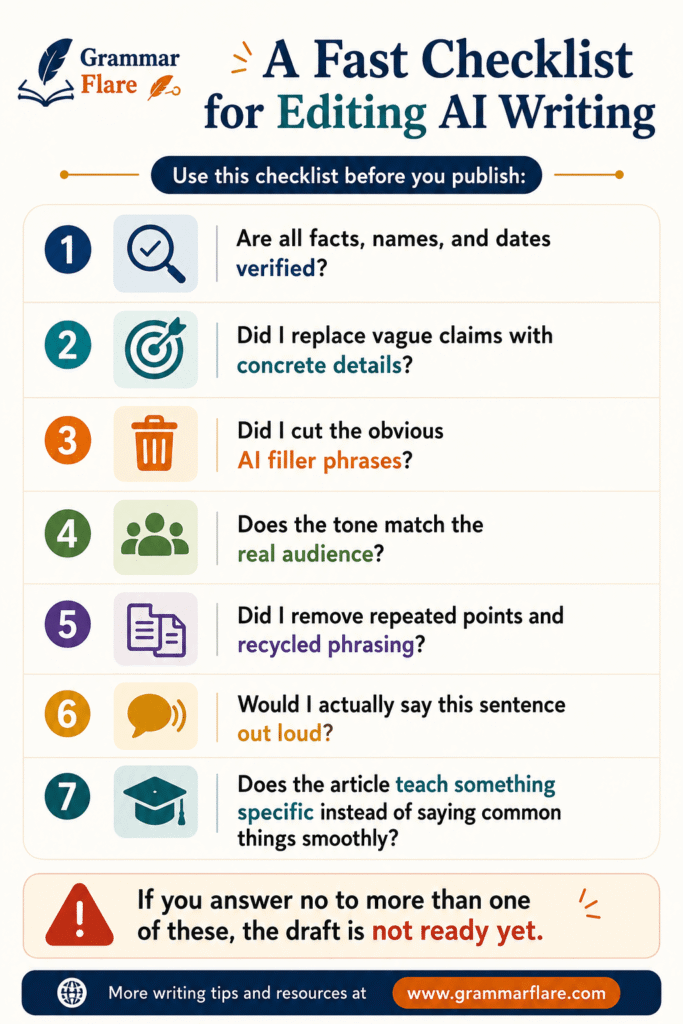
Use this checklist before you publish:
- Are all facts, names, and dates verified?
- Did I replace vague claims with concrete details?
- Did I cut the obvious AI filler phrases?
- Does the tone match the real audience?
- Did I remove repeated points and recycled phrasing?
- Would I actually say this sentence out loud?
- Does the article teach something specific instead of saying common things smoothly?
If you answer no to more than one of these, the draft is not ready yet.
Prompts You Can Use to Improve the Editing Pass
If you are using AI as a drafting assistant, these prompts are stronger than make this better.
1. Fact and vagueness check
Review this draft and flag any sentence that sounds vague, unsupported, generic, or likely to need fact-checking. Do not rewrite yet.
2. Tone-preserving edit
Rewrite this so it sounds natural and specific. Keep the meaning, remove filler, and do not use corporate buzzwords or vague transitions.
3. Repetition audit
List repeated ideas, repeated sentence openings, and overused words in this draft. Then suggest cleaner versions.
These prompts work best after you already know your main point.
Common Mistakes to Avoid
Editing line by line before checking the argument
If the logic is weak, sentence polishing will not save it.
Keeping every sentence equally polished
Real writing has variation. AI writing often feels too even.
Removing all personality in the name of professionalism
Professional does not mean lifeless. You still need specifics, purpose, and a recognizable editorial voice.
Treating grammar cleanup as the whole job
Good editing includes:
- accuracy
- structure
- tone
- reader usefulness
If word choice is the main issue, GrammarFlare’s Commonly Confused Words category is a good internal follow-up.
Can This Workflow Help English Learners Too?
Yes. In fact, it may help English learners more than anyone else.
AI can make a sentence look correct while still making it sound unnatural. A good editing pass catches both problems.
For learners, focus on this order:
- meaning
- natural wording
- grammar
- punctuation
If noun forms are part of the issue, GrammarFlare’s Plural Nouns archive is a useful next category to browse.
Short Answer Blocks for AI Overviews
These concise sections are suitable for summaries, quote blocks, and AI-answer surfaces:
Best quick answer
Edit AI-generated writing before publishing by fact-checking it first, removing generic filler, restoring specific details, matching the tone to your audience, and doing a final human read aloud.
Biggest mistake to avoid
Do not publish the first polished AI draft unchanged. Smooth wording can still hide weak facts, vague claims, and robotic tone.
Fast workflow
Verify, specify, simplify, humanize, proofread.
FAQ
Why does AI-generated writing sound generic?
It often sounds generic because it uses familiar phrases, broad claims, repeated sentence patterns, and too few real details.
What should I edit first in AI writing?
Start with facts, names, dates, links, and unsupported claims. Style edits come after accuracy.
How do I make AI writing sound more human?
Add specific details, cut filler, vary sentence rhythm, and rewrite any line you would not naturally say yourself.
Is grammar the most important part of editing AI content?
No. Grammar matters, but accuracy, clarity, and usefulness come first.
Can I use AI to help edit the AI draft?
Yes, but use it for narrow tasks such as checking vagueness, spotting repetition, or simplifying tone. The final judgment should still be human.
Read More at GrammarFlare
- How to Use a Colon in a Sentence: Simple Rules + Examples
- What Is an Independent Clause? Simple Rules and Examples
- What Is the Plural of Hoof? Hooves, Hoofs, or Both?
- What Is a Complex Sentence? Simple Rules and Examples
- Countable vs Uncountable Nouns: A Comparison
Sources
- AI Best Practices for Authors
- How to Edit AI-Generated Academic Writing in 2026: 7 Steps to Publish Faster Without Sacrificing Credibility